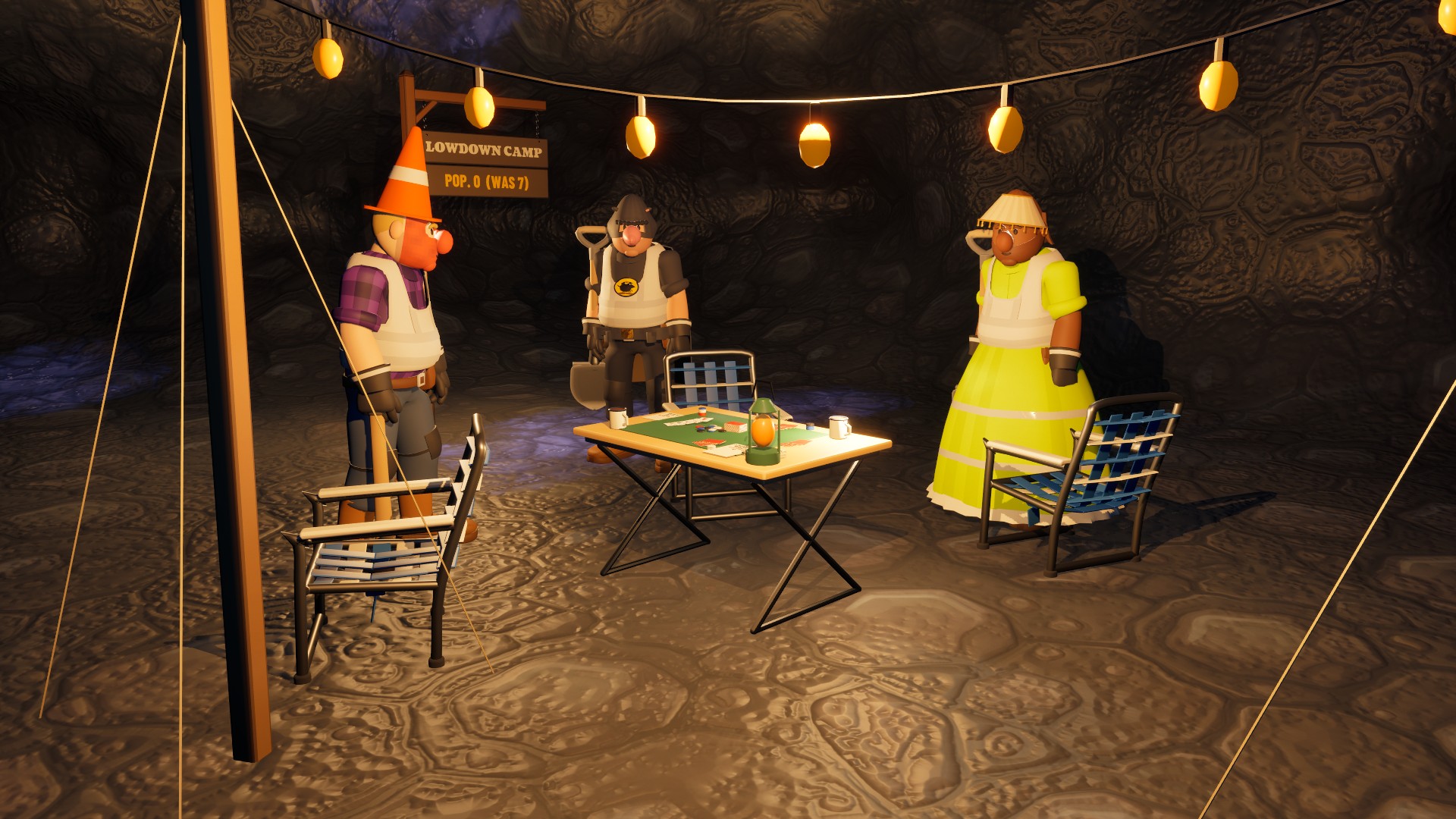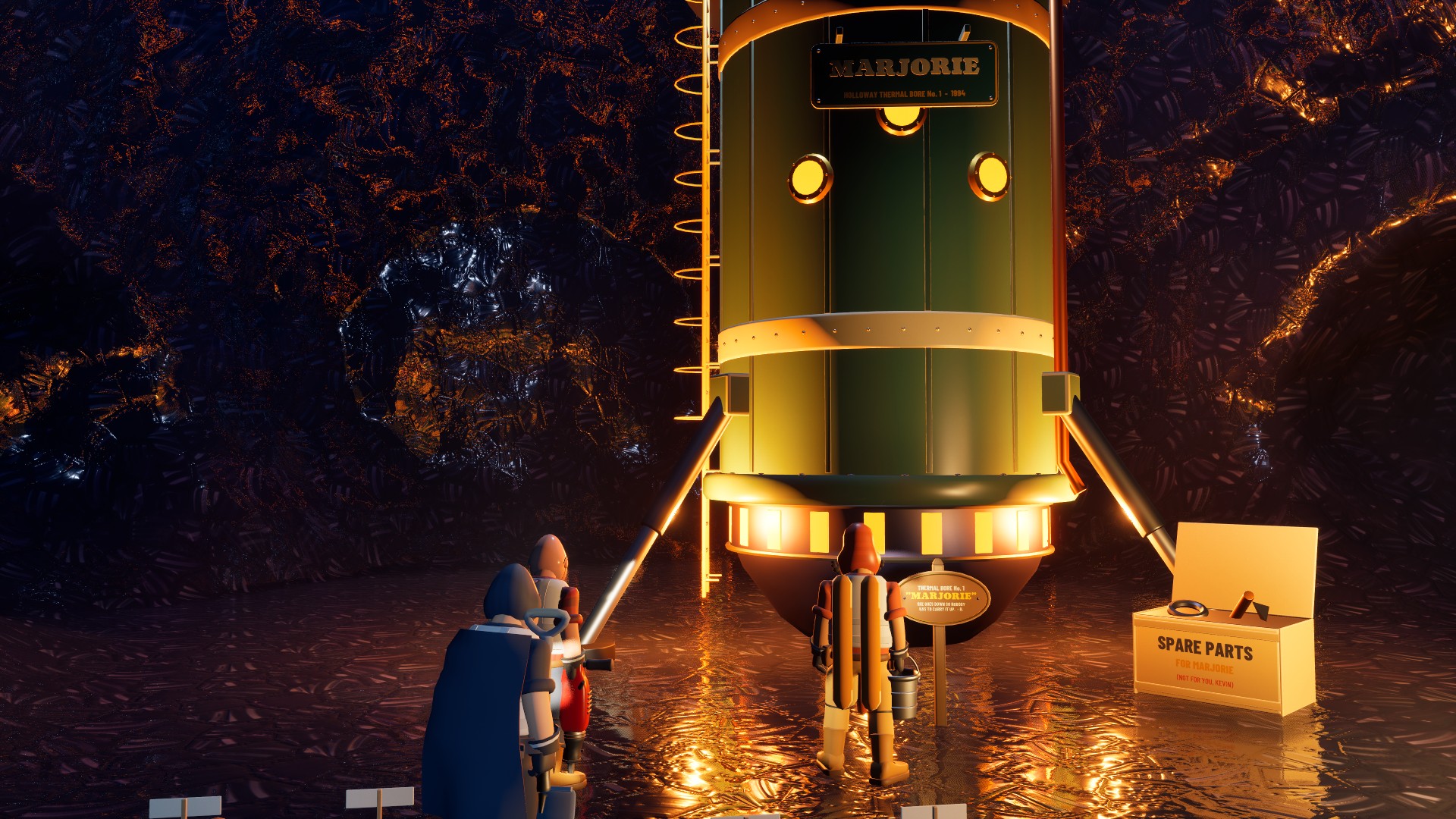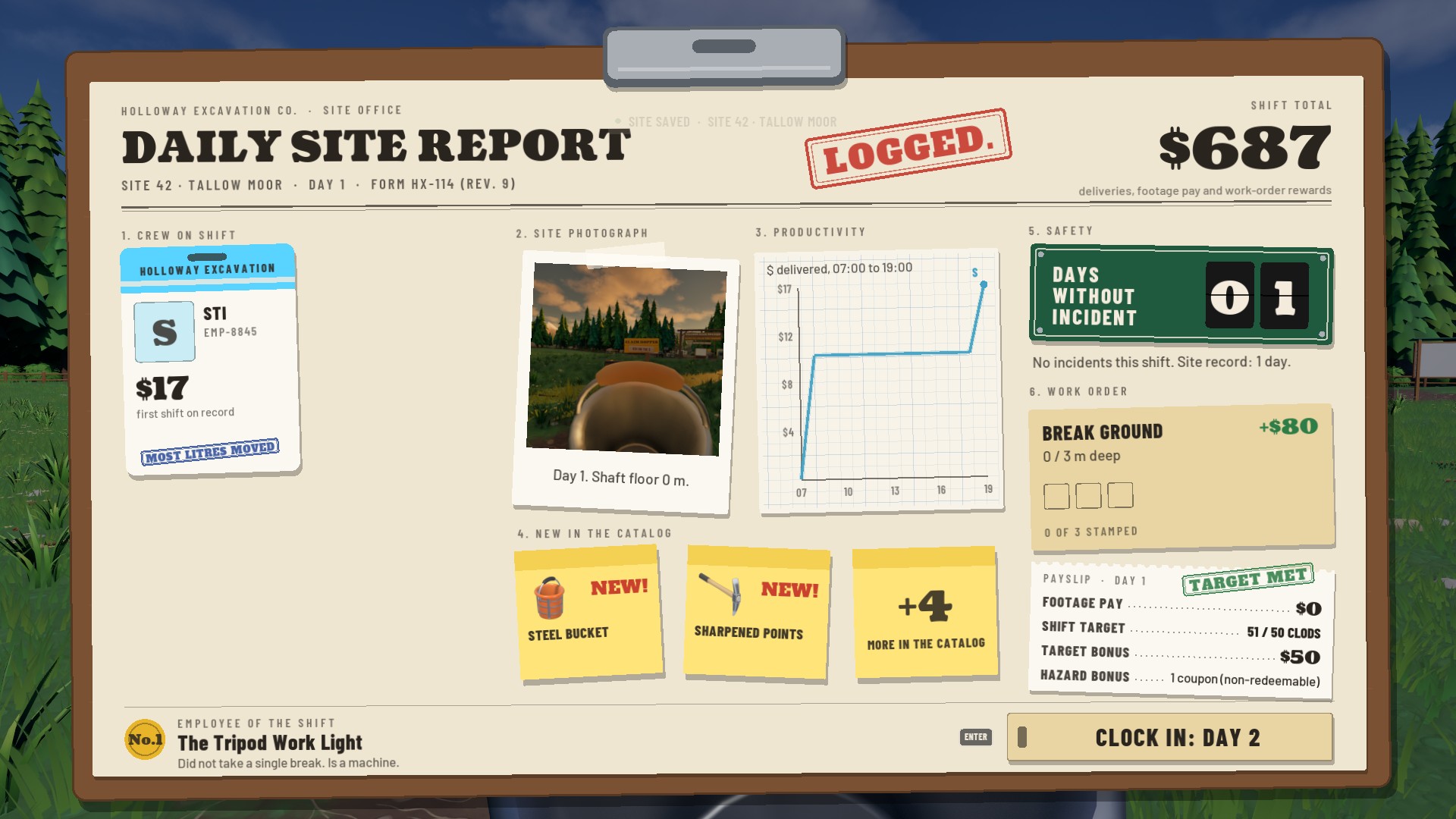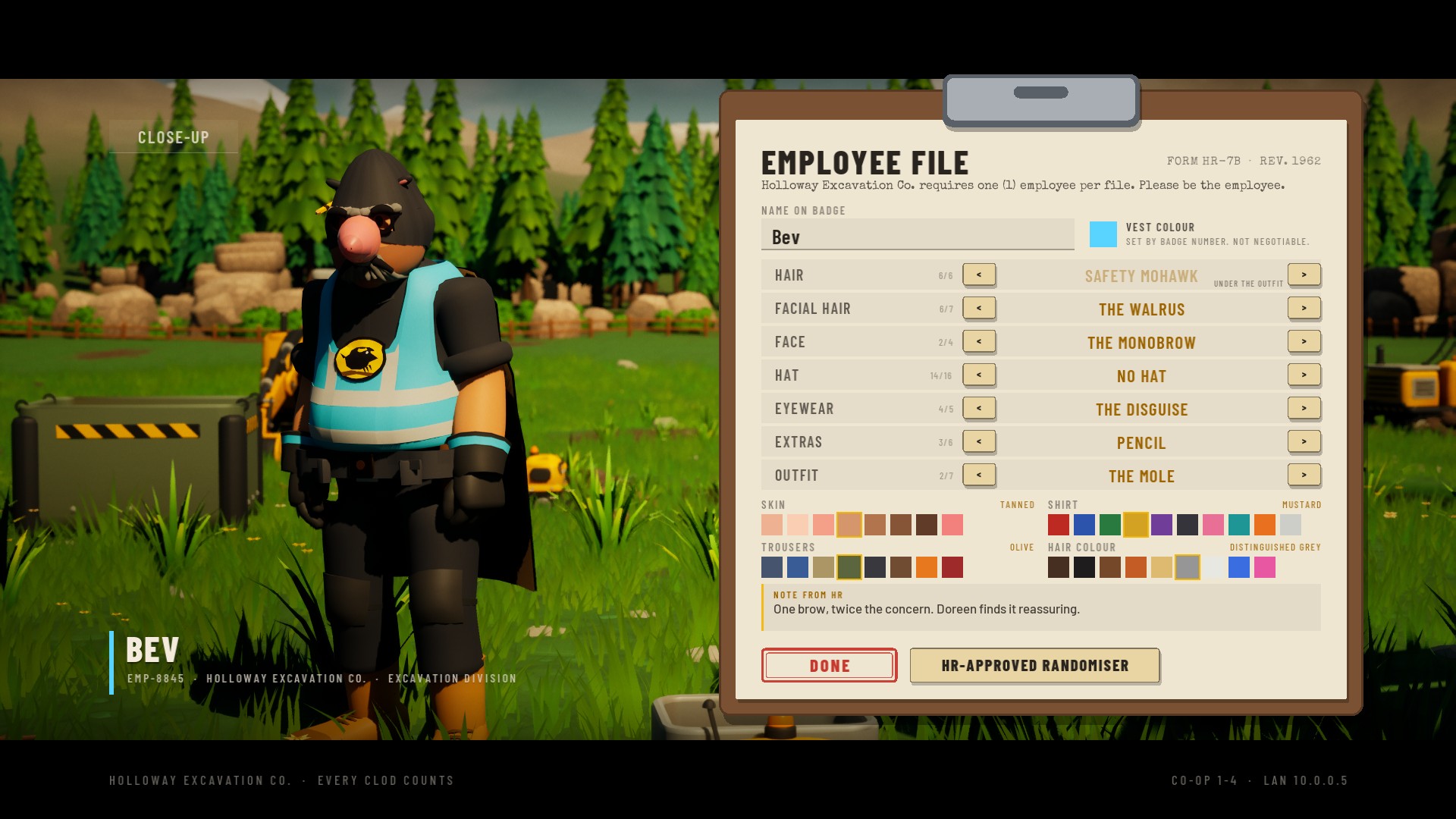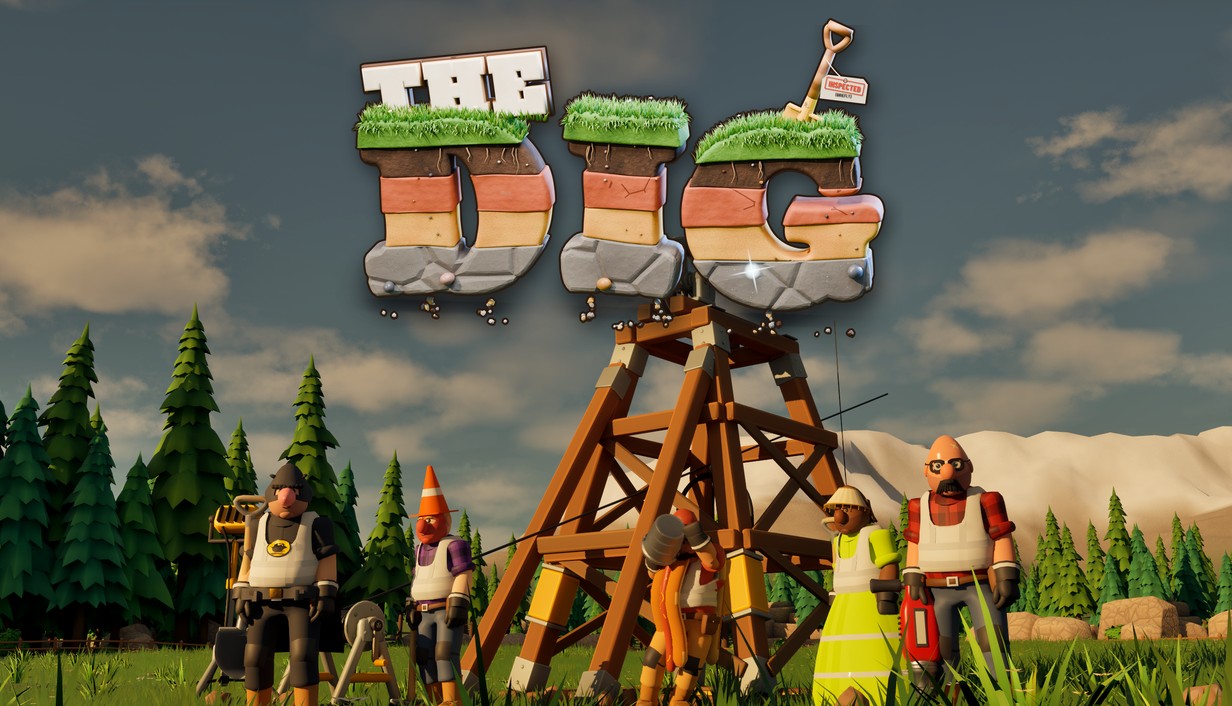
Welcome to Site 7.
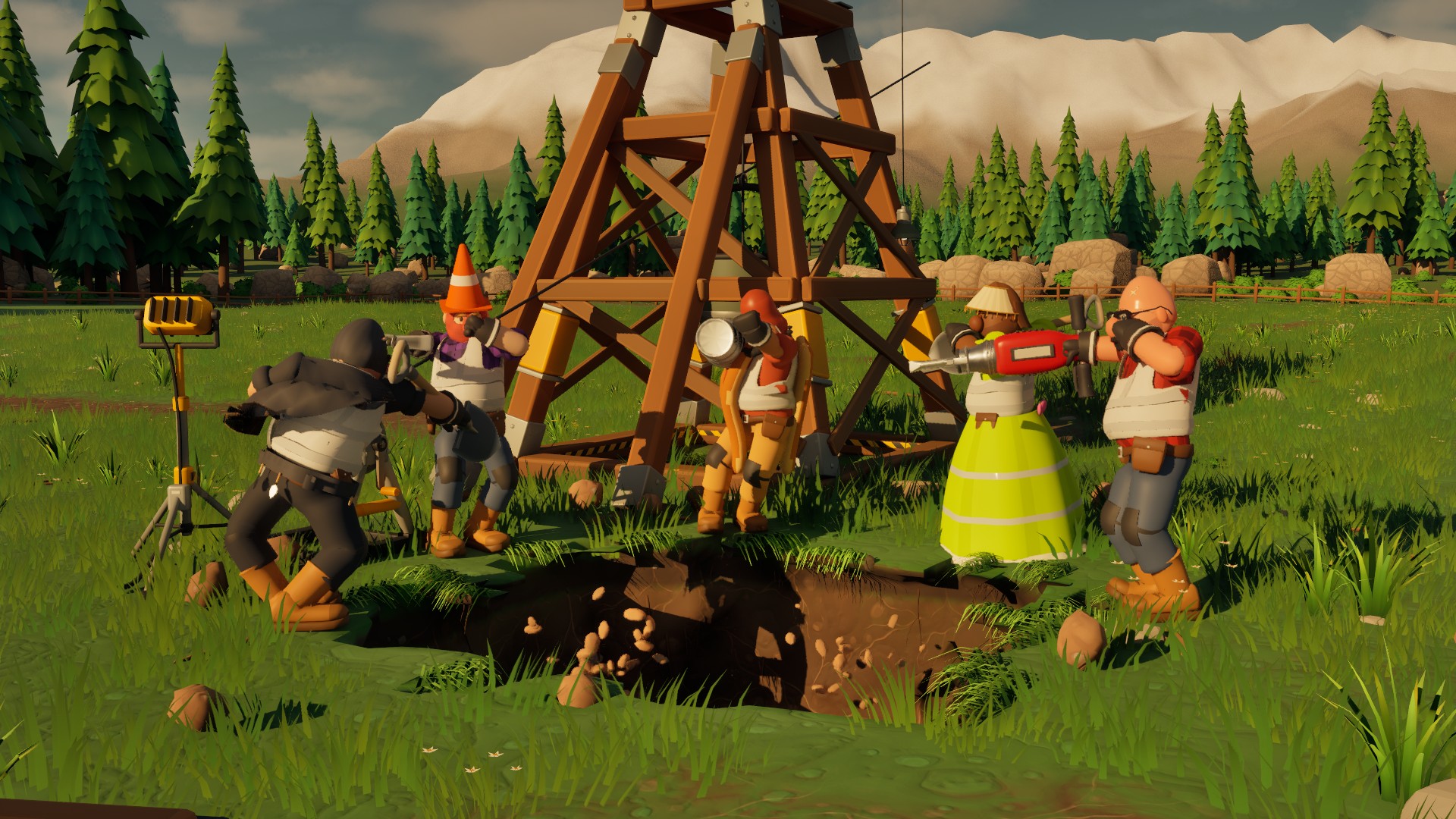
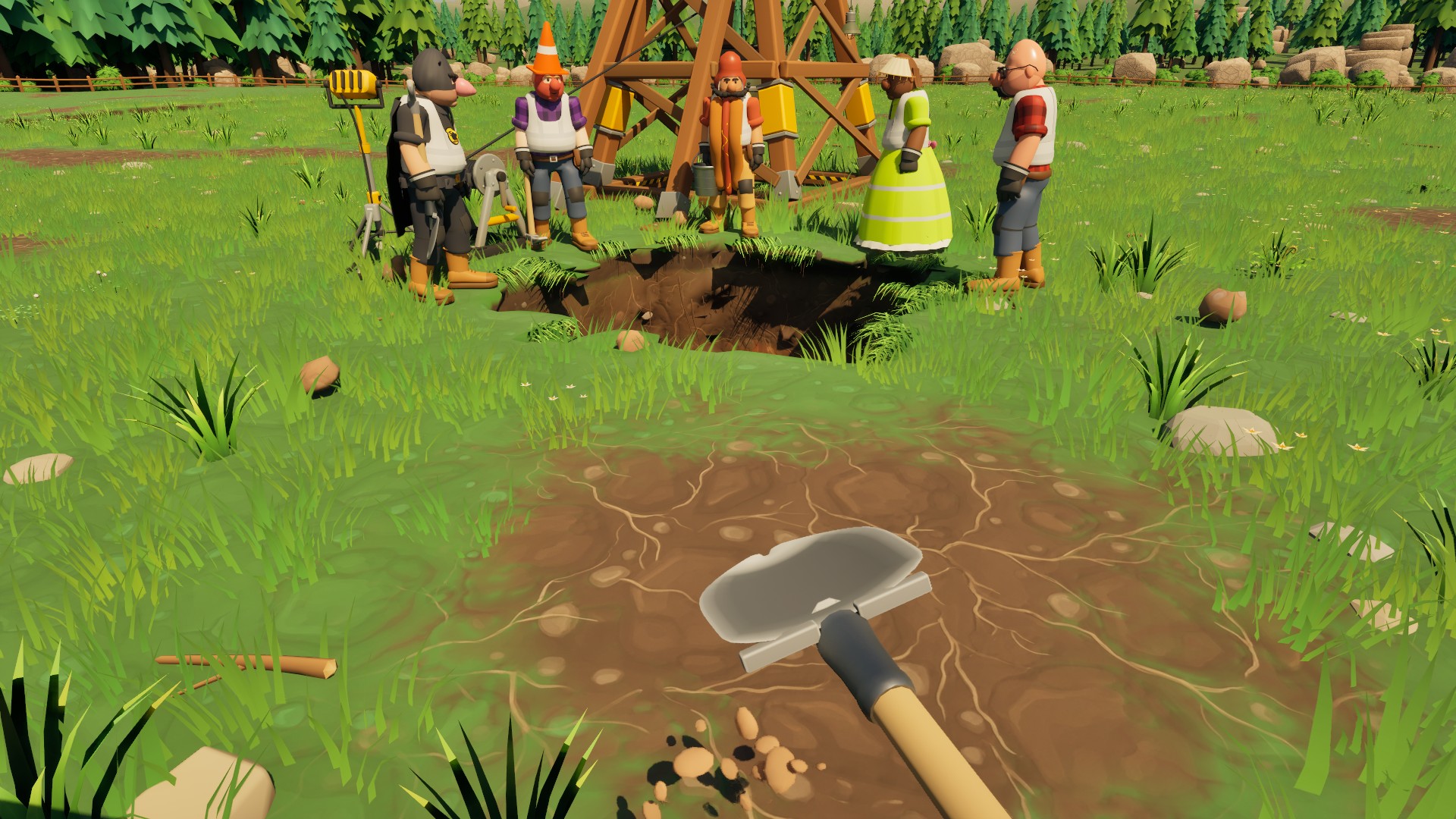
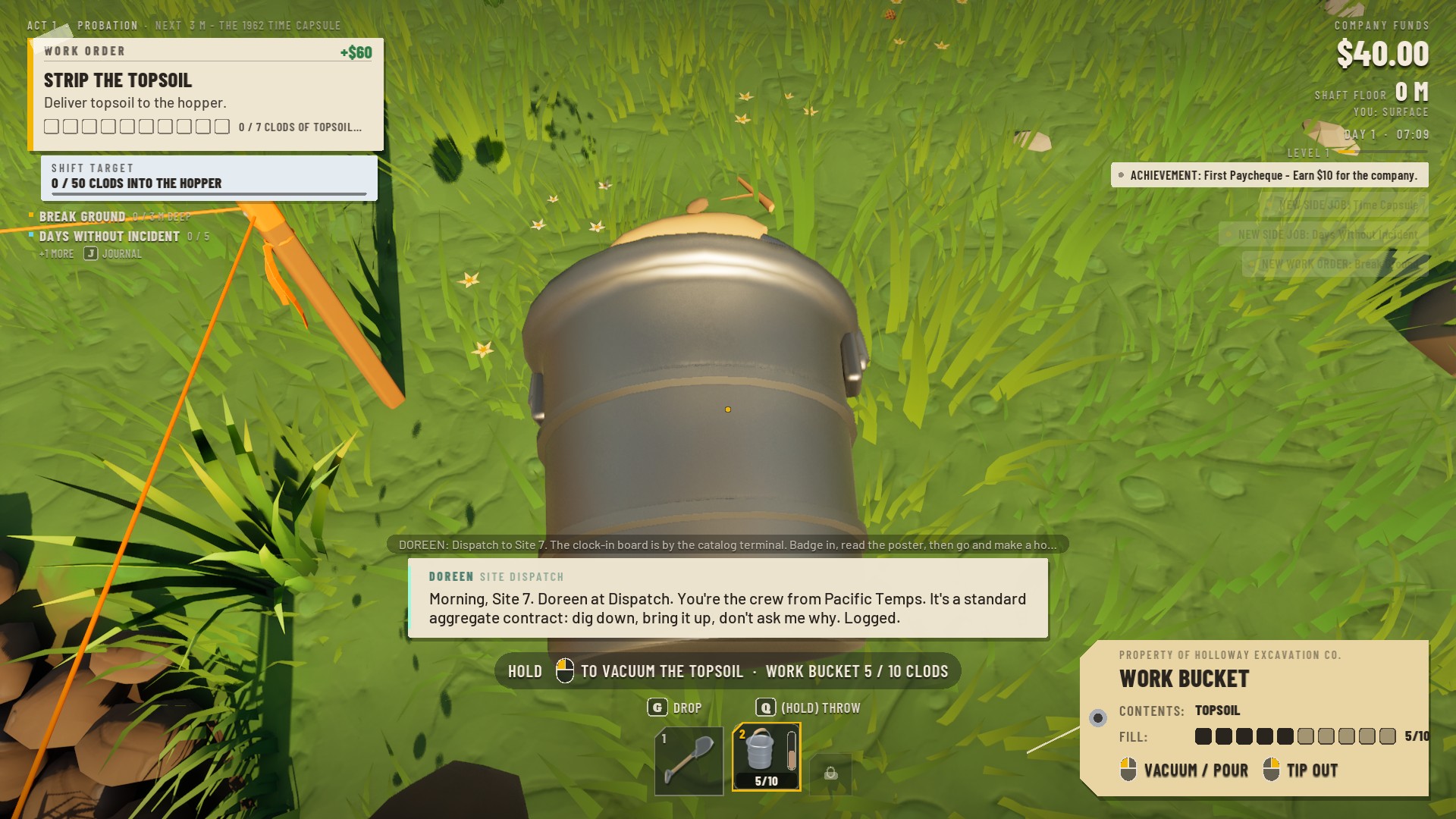
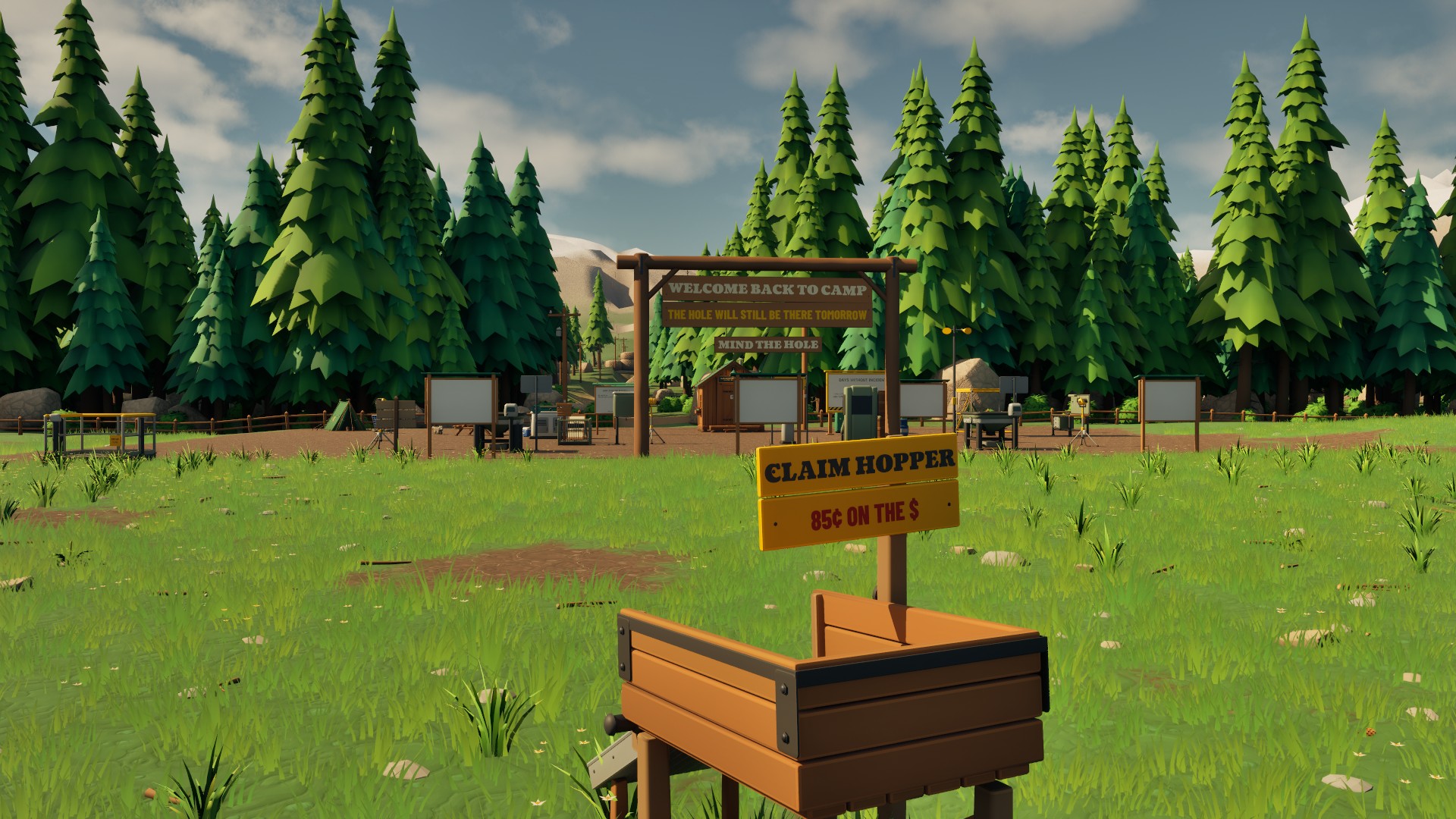
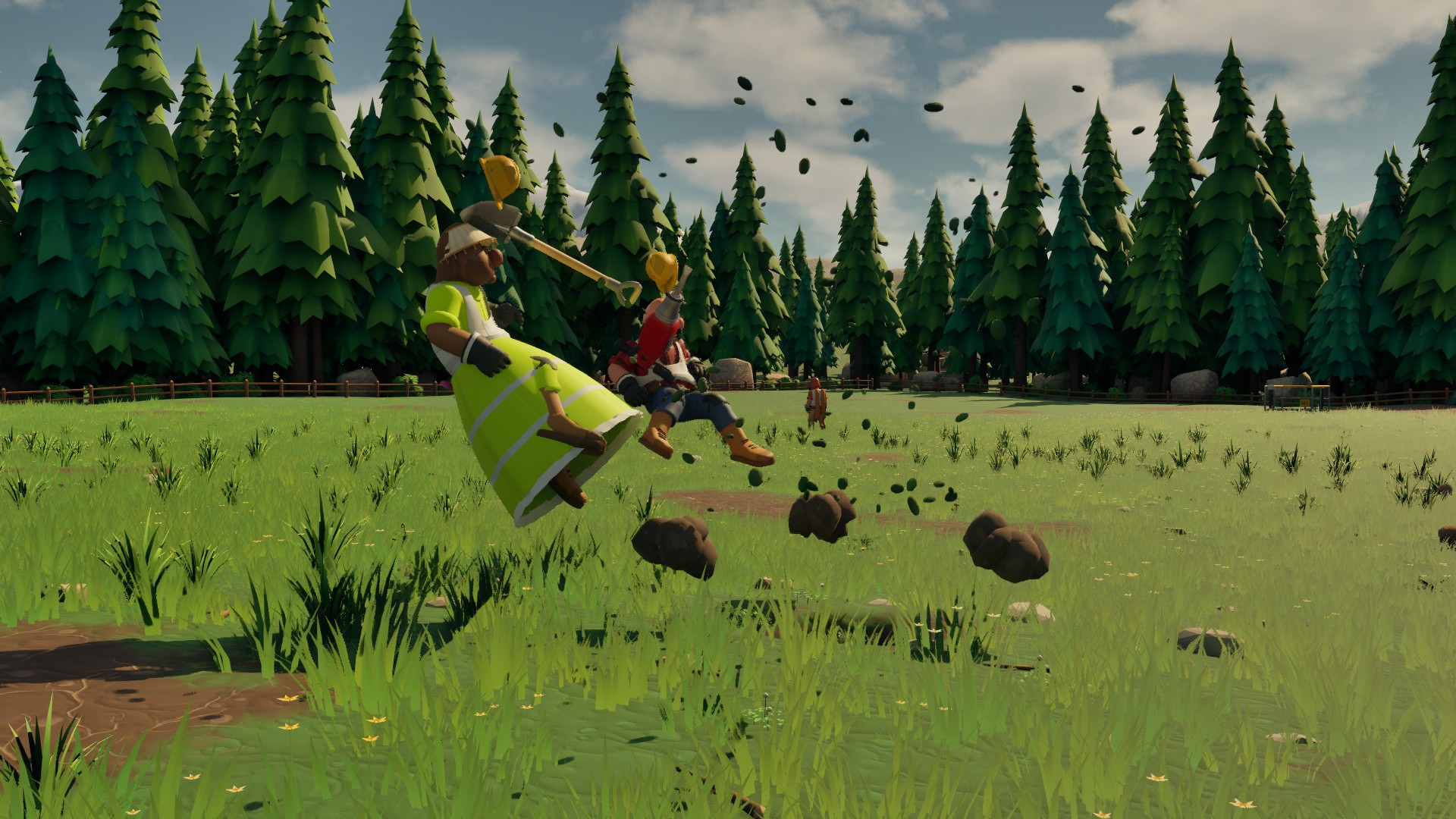
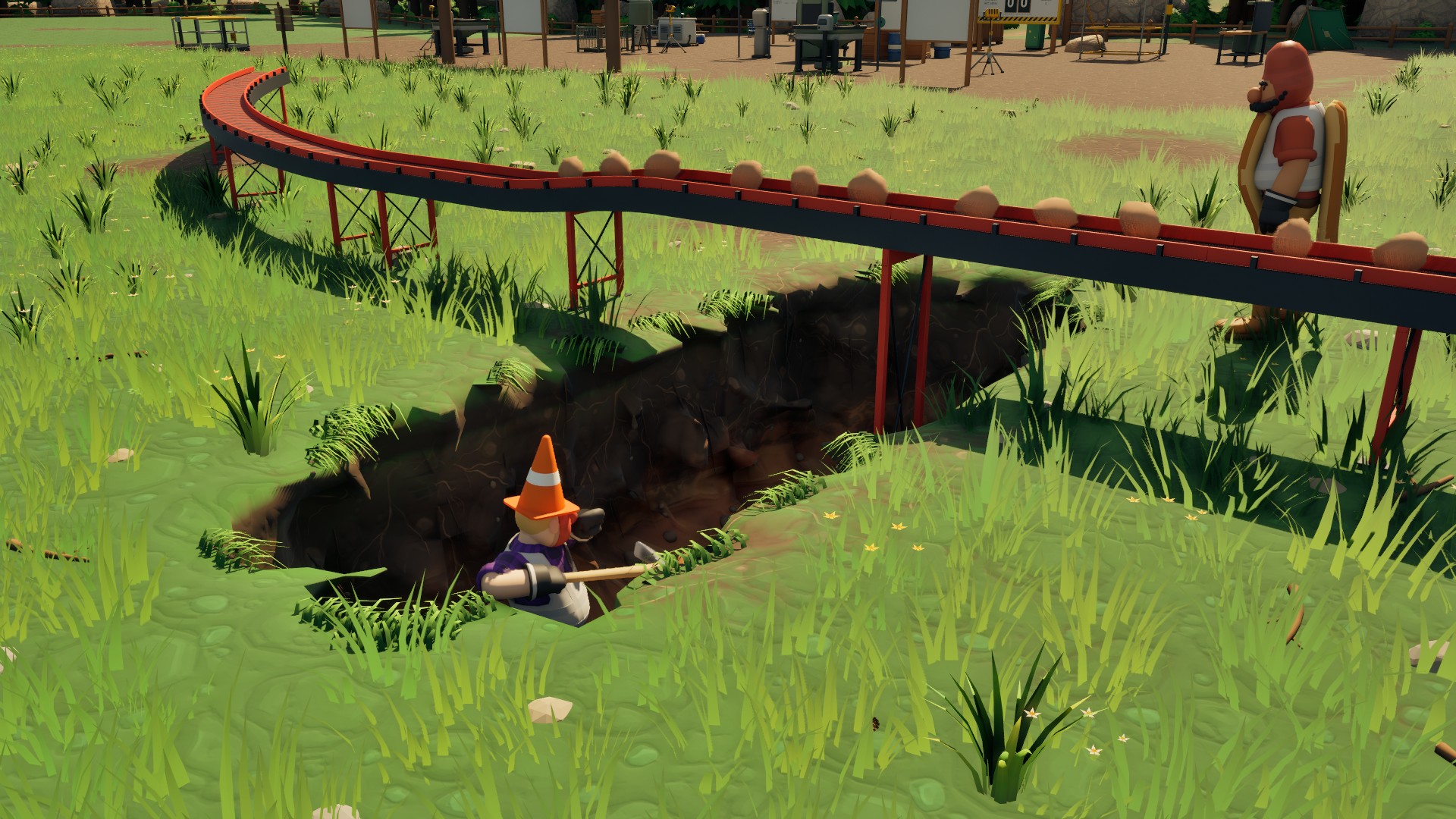
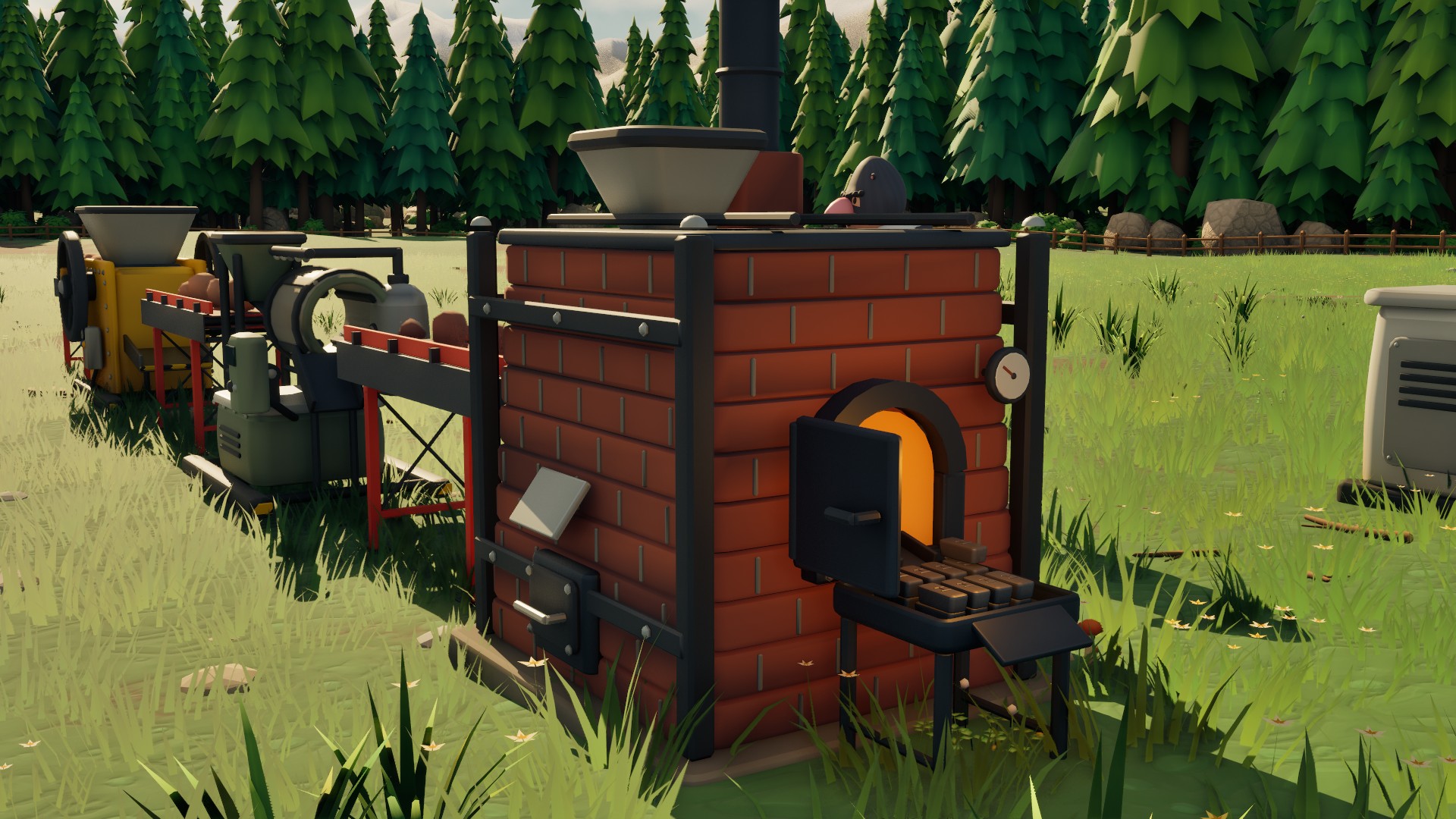
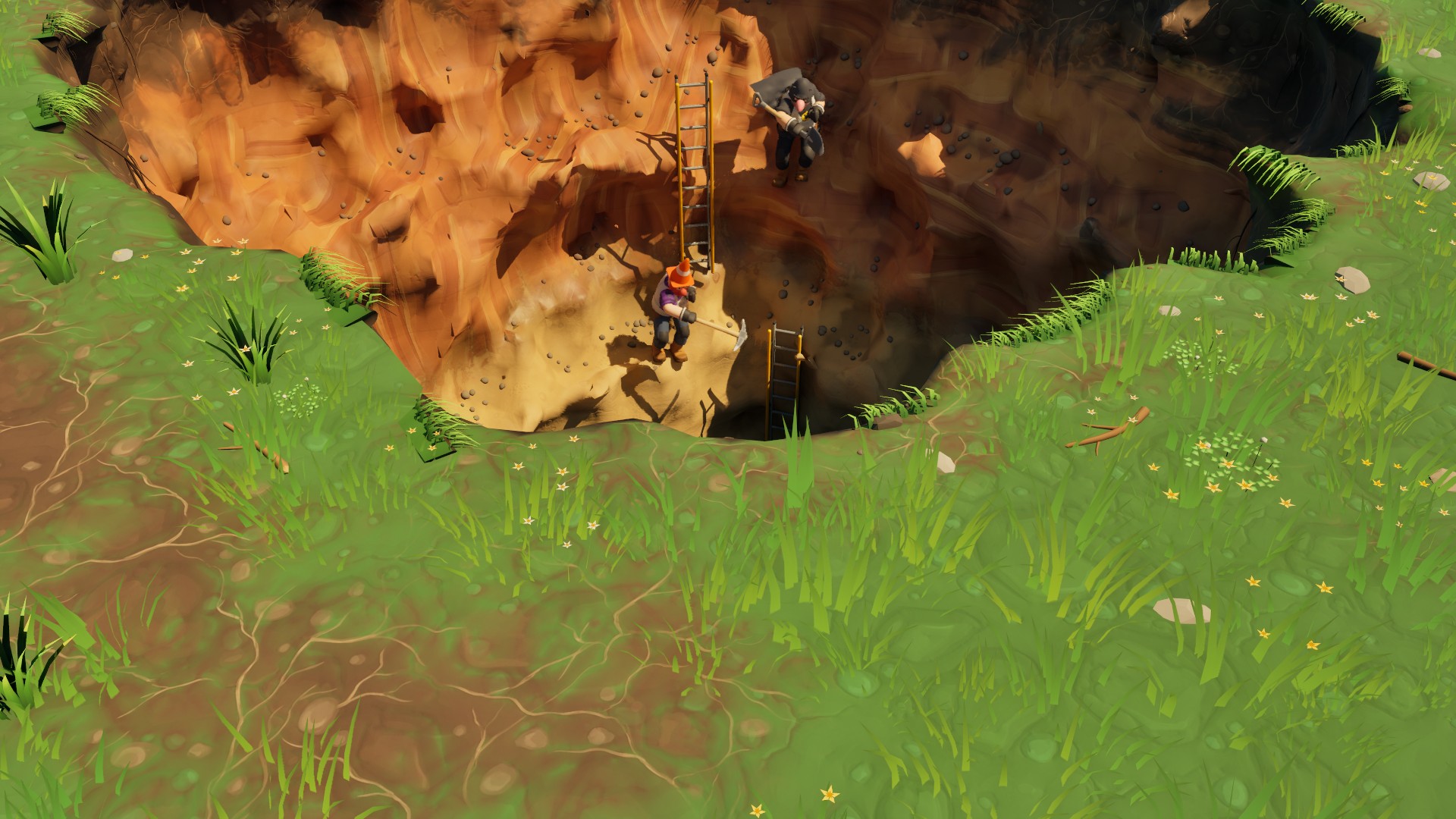
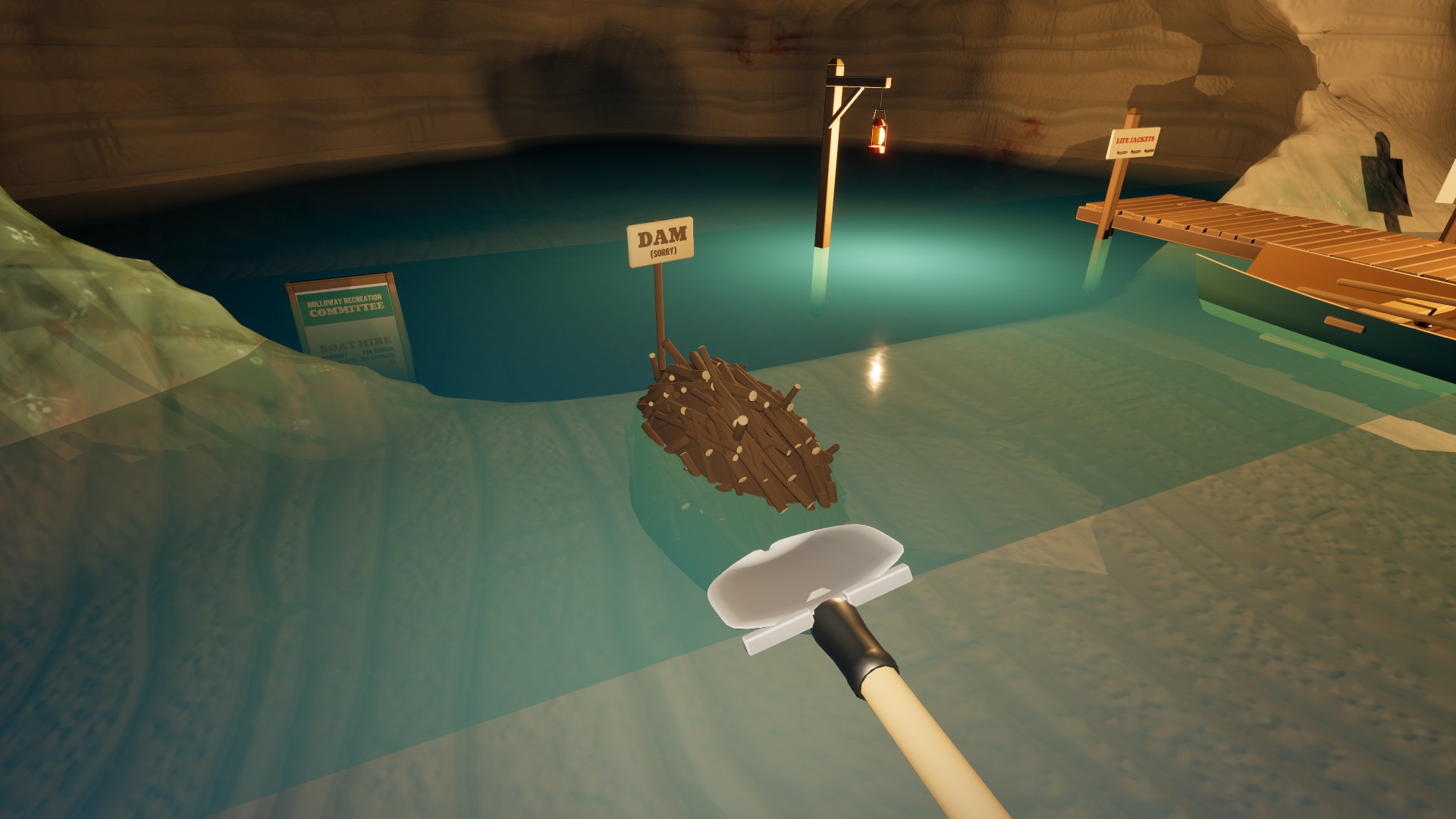
THE DIG is a 1–4 player co-op digging, hauling and automation game. Your crew digs a shaft straight down, knocks the dirt loose in clods, vacuums it up in buckets and sells it by the clod. Then you build belts, rails and smelters, and keep going down 600 metres to find out what's at the bottom of Site 7.
This is prototype v1. Nobody has played it yet. You're the first crew on site, so things will be rough, unbalanced and occasionally broken. That's exactly why you're here.
The most important part: your notes
Playing isn't the test. Your notes are. The game only gets better from what you write down, so write down everything, especially the small, mundane, "this is probably just me" stuff. A note that seems too minor to mention is usually the one we needed.
Please don't look things up or ask how to do something straight away. Figuring it out (or not) is part of the test. If you're stuck for more than a couple of minutes, write that down, then ask.
The kind of thing we want, small stuff included
- "Took me about 4 minutes to work out where to sell the dirt."
- "The shovel sound got annoying after 10 minutes."
- "I didn't notice the shift target until day 2."
- "There's a rock floating next to the cabin."
- "Shop text overlaps at 2560×1440."
- "Climbing out of my own hole was really hard / way too easy."
- "Kevin took my find and I had no idea how to get it back."
- "The bucket feels too small. Too many trips."
- "Doreen said the same line twice in a row."
- "My friend's hat clipped through the wall when he crouched."
- "I got bored somewhere between 20 and 30 minutes in."
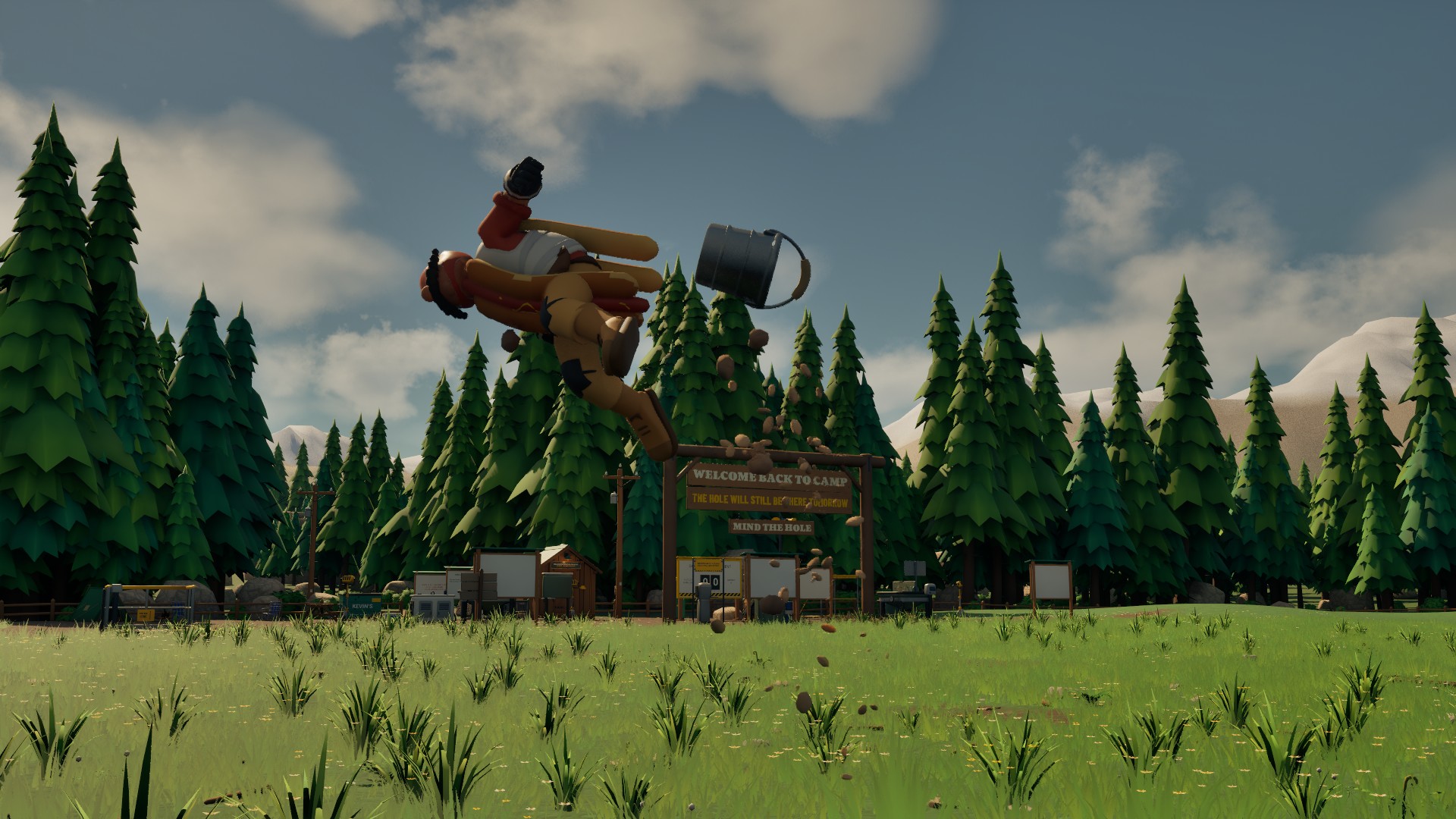
- "The first time the hot dog guy got flung, I lost it." (Good stuff counts too.)
Think about all of these
Easiest: press F8 in the game. A field note pops up right there: type what happened, pick a kind, press Enter. It goes straight to the dev with a screenshot of what was on screen and the boring details nobody remembers to write (version, where you were, frame rate, your PC and settings, and a cleaned-up excerpt of the game's log). Weird or multiplayer problem? Tick ATTACH MY FULL LOG (Ctrl+L). If you're offline it waits and sends later. F8 works on the main menu too.
What the game sends, and why
- Your playtester name. The first time you start the game it asks who's filing: use your Discord name, so your notes can be matched to you (change it any time in Settings > General).
- Play time data: when you're on a site and for how long, the version, solo or crew, and how deep you got. That's how we know which parts of the game get played and for how long.
- Your F8 notes, each with its screenshot and details.
- Crash reports, only if you say yes. If the game crashes, the next launch asks whether to send the report.
- Logs are cleaned before they leave your PC: your Windows user name, PC name, IP addresses and Steam ID are removed. Nothing is shared with anyone but the dev.
Longer write-ups
For the end-of-session summary, clips, or chatting it through, keep a notepad or the Discord thread open. Jot one line the moment something happens, and fill it in after. Copy this for anything bigger:
Version:   v0.3.0  (main menu, top of the shift board)
When:      ~25 min into the session / day 2
Where:     camp / about 12 m down / the Grotto
I did:     ...
It did:    ...
I expected: ...
Bugged me: 1-5
Picture:   (screenshot or clip)
Pictures and clips help a lot
- Screenshot: F12 in Steam (saved under "Spacewar"), or Win+Shift+S.
- Clip the last 30 seconds: Win+Alt+G (Xbox Game Bar).
- Write down timings: first dollar, first metre, first upgrade, when you got lost.
Also tell us once
- Your PC: CPU, graphics card, RAM, screen resolution.
- Frame rate if it stutters (Steam > Settings > In Game > In-game FPS counter).
- Solo or crew, and how long you played.
Install
Easiest: the launcher kit (keeps you up to date)
- Download TheDig_Launcher.zip (tiny) and unzip it somewhere you can write to, for example D:\Games\The Dig.
- Run Update The Dig.bat once. It downloads the game (554 MB) into the Game folder and checks it isn't damaged.
- From then on just run Play The Dig.bat. It checks for a new version every time (and asks first), starts Steam if needed, and keeps your saves when it updates.
Or: the plain zip
- Download the zip and unzip it to a normal folder, for example Desktop\TheDig. Not Program Files: the test build writes a file next to the game.
- Start Steam and log in. Then run TheDig.exe.
- Windows may warn you, because the game isn't signed yet:
- "Windows protected your PC": click More info, then Run anyway.
- Firewall: click Allow (private and public networks).
- The main menu's bottom-right corner should say v0.3.0 · CO-OP 1-4 · STEAM <your name>.
Updating: the game folder has its own Update The Dig.bat, and Play The Dig.bat checks for a new version every time you start it. Both update the folder in place and keep your saves (TheDig\Saved, backed up to Backups first).
Playing together
Over Steam (easiest, no port forwarding)
- Everyone: turn on the Steam overlay. Steam > Settings > In Game > Enable the Steam Overlay while in-game. Without it, invites can't open.
- Host: NEW SITE > BREAK GROUND (or CONTINUE). In the site, press Esc > INVITE STEAM FRIENDS and pick your crew.
- Friends: have THE DIG already running, then do any one of these:
- accept the invite in the overlay (Shift+Tab) or Steam chat
- open JOIN, where the host's site is listed under STEAM FRIENDS' SITES
- right-click the host in your Steam friends list > Join Game
Without Steam (LAN, or Tailscale over the internet)
- Everyone starts the game with "Play without Steam (LAN or IP).bat" in the folder.
- Same house: the host's site shows up under JOIN > ON YOUR NETWORK.
- Over the internet: install Tailscale (free) and join the same tailnet. The host reads their 100.x.y.z address from the Tailscale app, and friends use JOIN > JOIN BY ADDRESS with that address.
Things to check when you play together
- Does the host's site appear under JOIN within about 10 seconds? Do invites work?
- Dig the same spot and watch each other's hole. Does it match on both screens?
- Fill your bucket, quit to the menu, rejoin. Did your stuff come back?
- Anything that looks different on one screen than the other: that's a great note.
Controls
| WASD / Mouse | Move / look |
| Space · Shift · C | Jump · sprint · crouch |
| Left mouse | Use what you hold: dig, vacuum clods (hold, with a bucket), pour, place |
| Right mouse | Tip a bucket out / into what you aim at |
| E | Interact: pick up, swap, use, buy |
| R | Pack dirt into the ground (ramps, filling) |
| G · Q (hold) | Drop · throw (hold to wind up) |
| V | Grab and carry props, or a knocked-down crewmate |
| F | Head lamp |
| 1–8 · wheel | Hotbar slots |
| Tab | Crew board |
| J | Journal: quests, radio, records |
| H | The in-game handbook |
| F5 · Esc | Save (host; it also autosaves) · pause |
| F8 | Field note: send a note + screenshot to the dev |
Already on the list LOGGED
No need to report these, but tell us if they bother you more than we think:
- Steam shows "Playing Spacewar", and accepting an invite while the game is closed starts Spacewar.
- The MOLE costume's cape is missing its chest cord and gold clasps.
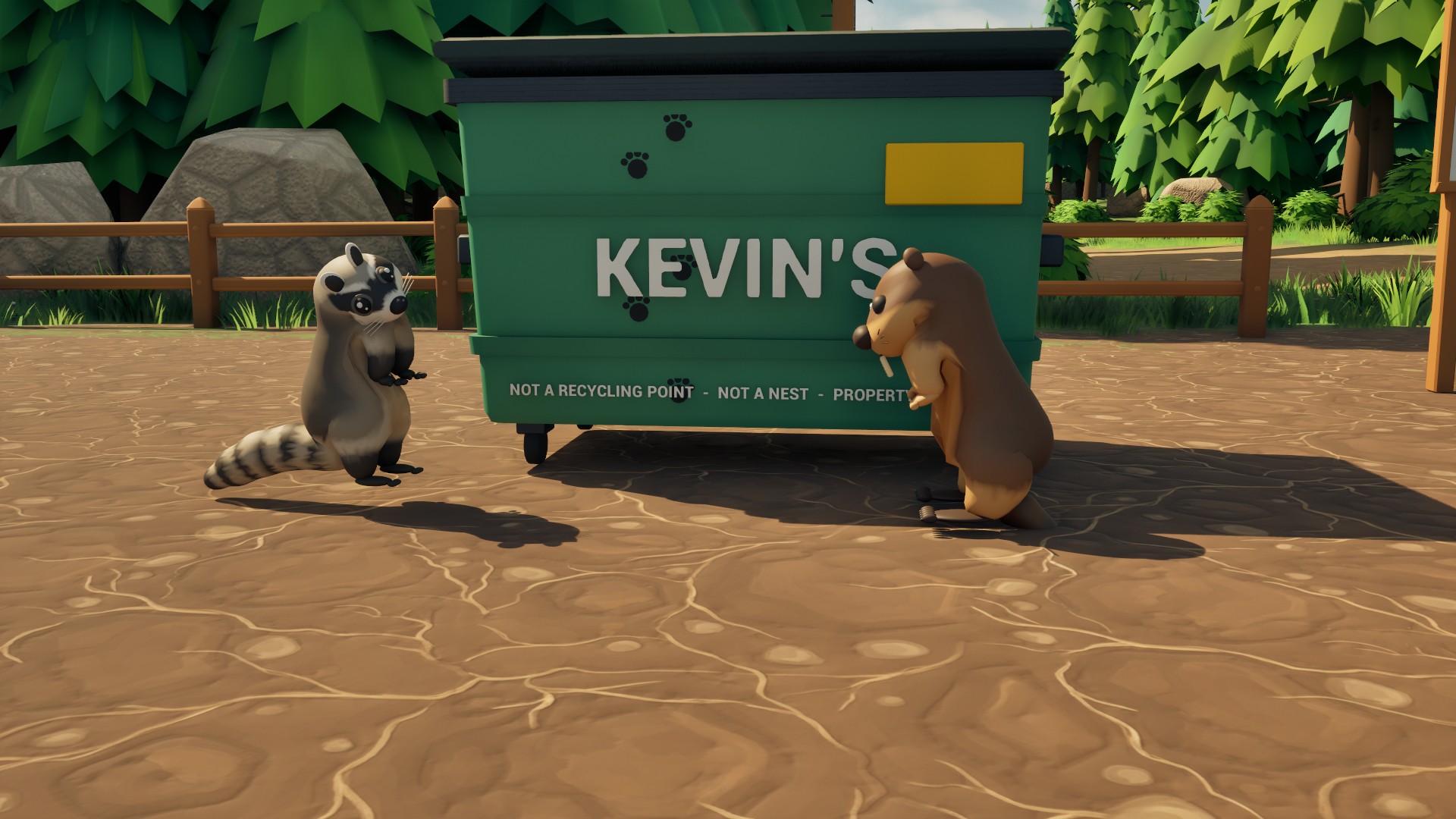
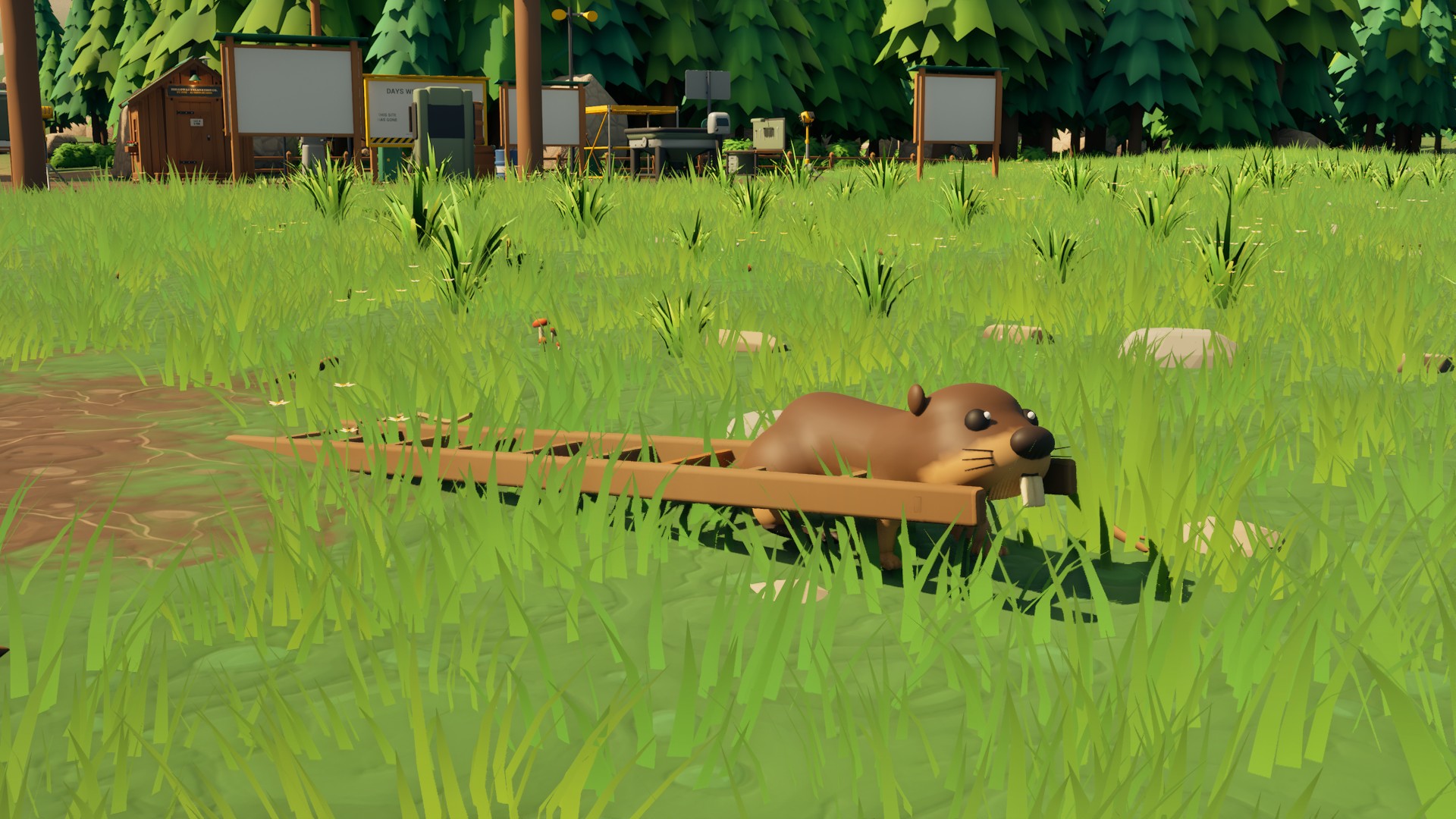
- Kevin (raccoon) and Frankie (beaver) also visit in Relaxed mode.
- Two fossil finds (the ammonite and the trilobite) still use older art.
- Every number is a first guess: clod size, bucket size, prices, shift length, pacing. Tell us what feels off.
From the site